
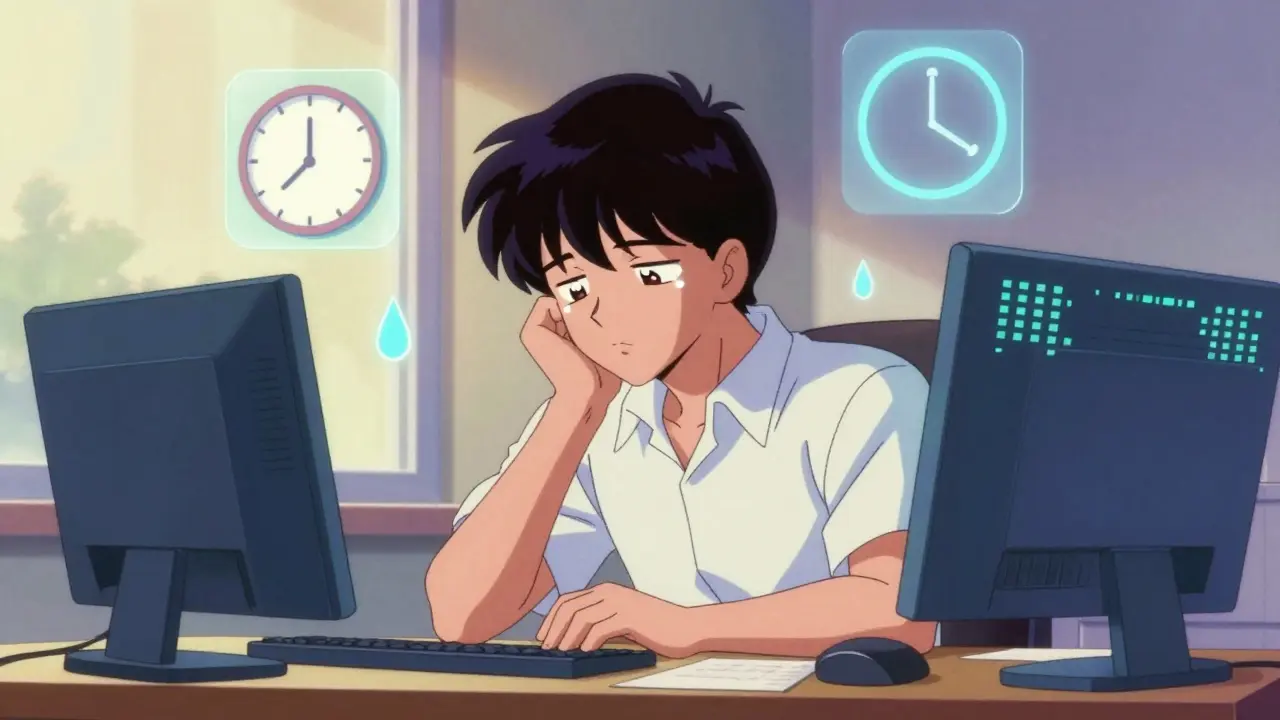
When you’ve been staring at a screen for hours - whether it’s a work report, a video call, or scrolling through your phone - do your eyes feel dry, tired, or blurry? Do you get headaches by mid-afternoon? That’s not just "being tired." It’s computer vision syndrome, and it’s happening to millions of people every day.
Computer vision syndrome (CVS), also called digital eye strain, isn’t a new disease. But it’s become a daily reality for most of us. The American Optometric Association says 65% of Americans experience symptoms from prolonged screen use. And with people spending nearly 7 hours a day on digital devices in 2025, it’s not going away. The good news? You don’t have to live with it. The fixes are simple, proven, and cheap - if you know what to do.
Why Your Eyes Are Hurting
Your eyes weren’t built for screens. Printed text has sharp edges and high contrast. Screens? They glow. They flicker. Their pixels blur together, especially at low brightness. To focus on them, your eyes’ ciliary muscles lock in tight - like holding a heavy weight for hours. That’s why your eyes feel sore.
And then there’s blinking. Normally, you blink 15 times a minute. When you’re looking at a screen? That drops to 5. That’s a 66% drop. Less blinking means less tear film on your eyes. Dryness follows. Redness. Burning. That gritty feeling? That’s your eyes begging for moisture.
Plus, most people sit too close. Too high. Too bright. A screen placed above eye level forces you to look up, straining your neck and shoulders. Glare from overhead lights or windows cuts screen contrast by half. If your screen is too bright or too dim, your eyes work harder just to make out the words. It’s a perfect storm.
The 20-20-20 Rule Works - Here’s How to Use It Right
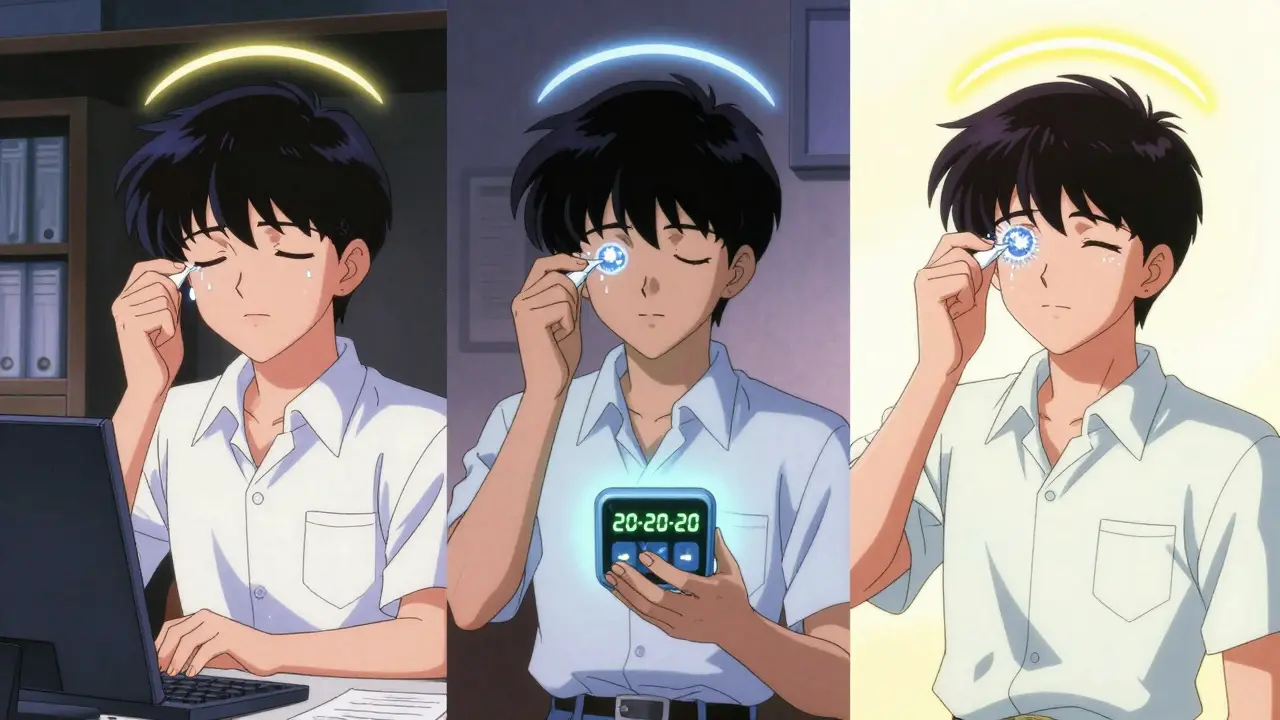
The most effective, free, and simple fix is the 20-20-20 rule. Every 20 minutes, look at something 20 feet away for 20 seconds. Sounds easy? Most people try it and fail because they don’t do it right.
You can’t just glance out the window. You need to actually focus on a distant object - a tree, a building, a sign. Let your eyes relax. Blink fully. Take a breath. That’s what resets the focusing muscles. Clinical studies show this single habit reduces symptoms by 53%.
Use a free app like EyeLeo or Time Out to remind you. Set it to ping every 20 minutes. Don’t ignore it. Don’t say "I’ll do it later." That later never comes. Make it a ritual. When the timer goes off, get up. Walk to the window. Stretch. Look far away. Your eyes will thank you.
Position Your Screen Correctly - It’s Not Optional
Where you put your screen matters more than you think. The top of your monitor should be at or just below eye level. That means your gaze is 15-20 degrees downward. This is the natural resting position for your eyes and neck.
If your screen is too high, you’re looking up - which strains your neck and forces your eyes to open wider, drying them out faster. If it’s too low, you slump. Either way, you’re adding stress to your whole body.
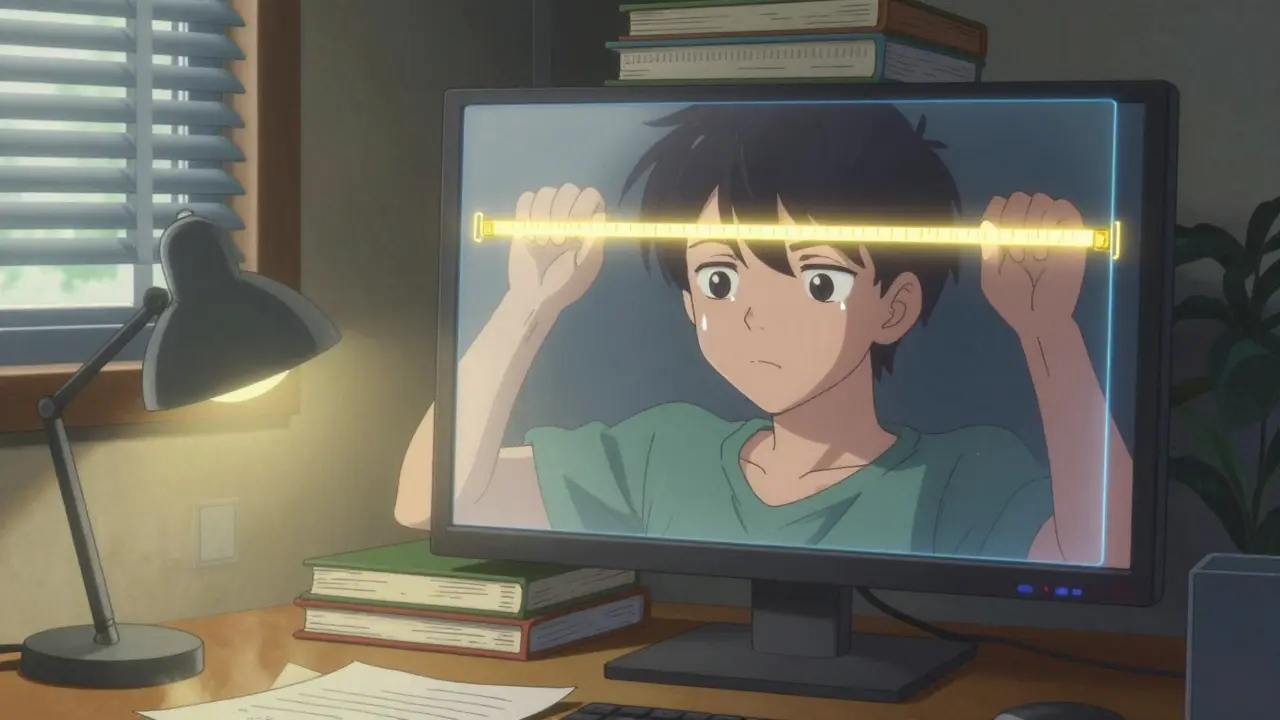
Distance? Keep it between 20 and 28 inches from your eyes. That’s about arm’s length. Use a tape measure if you’re not sure. Most people sit too close - especially on laptops. If you’re using a laptop, get a stand and an external keyboard. It takes 10 minutes to set up, and it cuts eye strain by 40%.
Lighting Is the Silent Killer
Most offices are lit for print work - 750 to 1,000 lux. But screens don’t need that much light. In fact, too much light creates glare. Glare reduces contrast. Your eyes fight harder to read.
The sweet spot? 300 to 500 lux. That’s the brightness of a cloudy day. Use ambient lighting - not direct overhead lights. Turn off fluorescents if you can. Use a desk lamp pointed at your papers, not your screen. Close blinds if sunlight hits your monitor. Use an anti-glare screen filter if needed.
Also, adjust your screen brightness to match your surroundings. If your screen looks like a flashlight in a dark room, it’s too bright. If it’s hard to read against the background, it’s too dim. Aim for 50-70% brightness. Most people leave theirs at 100% - that’s a recipe for strain.
Blue Light Glasses: Do They Help?
You’ve seen them everywhere. Blue light glasses. They’re marketed as the magic fix. But here’s the truth: they’re not a cure.
Some people swear by them. Reddit users report feeling better, especially if they have dry eyes. Clinical trials show a 28% reduction in eye strain with blue light filtering lenses. But here’s the catch - the American Academy of Ophthalmology says the benefit is no better than placebo for most people. In double-blind studies, clear lenses performed just as well.
So why do some people feel better? Likely because blue light glasses make them more aware of screen time. They’re a reminder to take breaks. They may also reduce glare slightly. But they don’t fix the root problem: poor posture, infrequent breaks, dry eyes.
If you want to try them, get a pair with a mild tint - not purple or yellow. Avoid expensive brands. You don’t need $150 glasses. A $30 pair from a reputable optician will do. But don’t rely on them. Use them as a supplement, not a solution.
Eye Drops and Prescription Fixes
If your eyes are dry, artificial tears help. Not just any drops - preservative-free ones. Preservatives can irritate your eyes if you use them more than 4 times a day. Look for brands labeled "preservative-free" and use them 2-4 times daily.
For chronic dry eye linked to screen use, the FDA approved a new prescription eye drop called EYSUVIS in 2023. It’s for temporary relief of dry eye signs from digital strain. But it’s not for everyone. Talk to your eye doctor if you’ve tried everything else and still have burning or grittiness.
Also, get a comprehensive eye exam every year - not just a vision check. 70% of CVS cases involve uncorrected vision problems: astigmatism, presbyopia, or needing a computer-specific prescription. Your regular glasses aren’t designed for screen distance. A computer prescription can reduce your eye strain by 50% or more.
Real People, Real Results
A software developer in Austin started using the 20-20-20 rule with a timer app. Within three weeks, his daily headaches dropped from five days a week to one.
A graphic designer in Chicago adjusted her monitor height. Her chronic neck pain vanished in 10 days.
A university student in Seattle bought blue light glasses. They helped at first - until her symptoms came back. Turns out, she had uncorrected astigmatism. A new prescription fixed everything.
The pattern? People who fix one thing - like blinking or screen height - feel better. People who fix multiple things - screen position, lighting, breaks, eye drops - feel dramatically better. Cleveland Clinic’s survey of over 2,000 patients found 89% improved with combined changes. Only 52% improved with just one fix.
What You Can Do Today
You don’t need to overhaul your life. Start with three things:
- Set a timer for 20-20-20. Use a free app. Stick to it.
- Move your screen to arm’s length and position the top at eye level. Use books or a stand if needed.
- Use preservative-free artificial tears twice a day - morning and afternoon.
That’s it. Do those three things for two weeks. You’ll notice a difference. If you still feel strain, then add lighting adjustments. Then consider an eye exam.
This isn’t about buying expensive gear. It’s about changing habits. Screen time isn’t going away. But your eyes don’t have to pay the price.
Future-Proofing Your Vision
By 2025, 75% of digital device users will have symptoms of computer vision syndrome, according to the American Optometric Association. That’s not a prediction - it’s a trend.
But companies are catching on. 68% of Fortune 500 companies now include CVS prevention in their wellness programs. Monitor makers like Dell and ASUS are building in flicker-free tech and auto-brightness. Apple and Windows now have built-in blue light filters and screen time trackers.
What’s next? Eye health will become as routine as brushing your teeth. Annual eye exams for screen users. Ergonomic check-ins at work. Screen time limits built into software. The tools are here. The science is clear. Now it’s just about doing it.
Is computer vision syndrome permanent?
No. CVS causes temporary symptoms like eye strain, dryness, and headaches. These don’t cause lasting damage to your eyes. But if you ignore them, you’ll keep feeling them - and your productivity and comfort will suffer. The good news? All symptoms improve with simple changes in habits and environment.
Can children get computer vision syndrome?
Yes. Kids are spending more time on tablets and phones than ever. Their eyes are still developing, and they often don’t realize they’re straining. Symptoms include rubbing eyes, squinting, headaches, and avoiding screen use. Follow the 20-20-20 rule with them. Limit continuous screen time to 30-minute chunks. Make sure their screen is at eye level and not too close.
Do I need special computer glasses?
Not necessarily. Most people don’t need them. If your regular glasses are outdated or not designed for screen distance, then yes - you might benefit from a computer-specific prescription. Blue light filters alone won’t fix the problem unless your vision is corrected. Talk to your eye doctor about your daily screen use. They can test for the right lens power and coating.
How long does it take to see results from prevention methods?
Many people feel relief within a few days - especially if they start using artificial tears or adjust their screen position. The 20-20-20 rule usually shows improvement in 1-2 weeks. Full habit change takes about 3 weeks. If you don’t feel better after 4 weeks of consistent changes, see an eye doctor. There might be an underlying vision problem.
Are blue light filters on phones and computers enough?
They help reduce blue light exposure, especially at night, but they don’t fix eye strain caused by focusing, blinking, or posture. Night mode on iOS and Android reduces blue light by 30-50%, which may help with sleep. But if you’re still getting headaches or dry eyes during the day, you need more than just a filter. Combine it with breaks, screen positioning, and eye drops for real results.
Celia McTighe
December 29, 2025 AT 07:38Sydney Lee
December 29, 2025 AT 14:38oluwarotimi w alaka
December 31, 2025 AT 09:35Debra Cagwin
January 1, 2026 AT 18:51Hakim Bachiri
January 3, 2026 AT 04:14Ellen-Cathryn Nash
January 4, 2026 AT 02:38Vu L
January 4, 2026 AT 14:54James Hilton
January 5, 2026 AT 14:19Samantha Hobbs
January 7, 2026 AT 11:39Ryan Touhill
January 8, 2026 AT 10:27Nicole Beasley
January 8, 2026 AT 21:43sonam gupta
January 10, 2026 AT 00:47Mimi Bos
January 11, 2026 AT 06:20Julius Hader
January 12, 2026 AT 11:50